Updated November 2026.
Quick answer: the piano streams that grow do four things well:
- Great sound first: a direct line or real microphones, never the webcam mic.
- A view of the hands, ideally overhead, plus on-screen keys that light up.
- Interaction: song requests, chatting between pieces, learning songs live.
- A fixed schedule and short clips of the best moments posted everywhere.
Sound: the tips that matter most
- Go direct. A digital piano over USB audio or line out into an interface sounds better than any room microphone. Our piano livestream setup guide covers the wiring.
- Add a limiter in OBS so loud passages never distort.
- Balance your voice and the piano. Viewers should hear you talk without reaching for the volume when you play.
- Raise the audio bitrate. OBS defaults are tuned for speech.
- Listen back to a recording on phone speakers. Many of your viewers will be using them.
Make the stream easy to watch
- Show the hands. An overhead camera shows what most viewers come for; add a face camera in a corner.
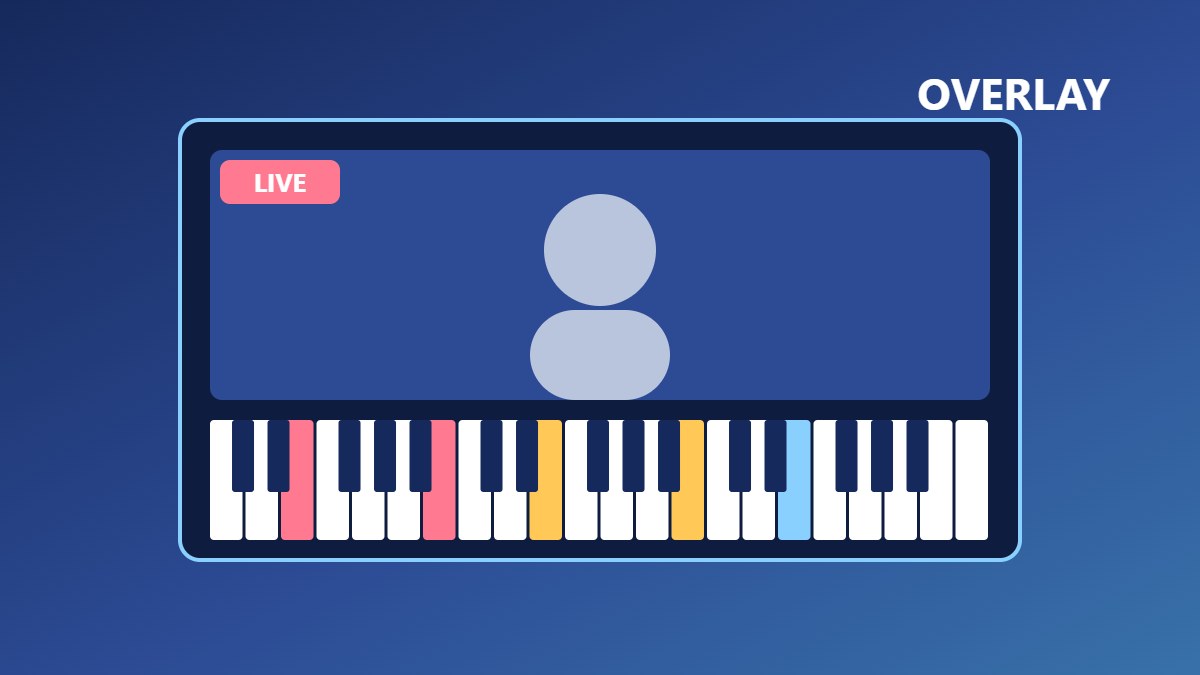
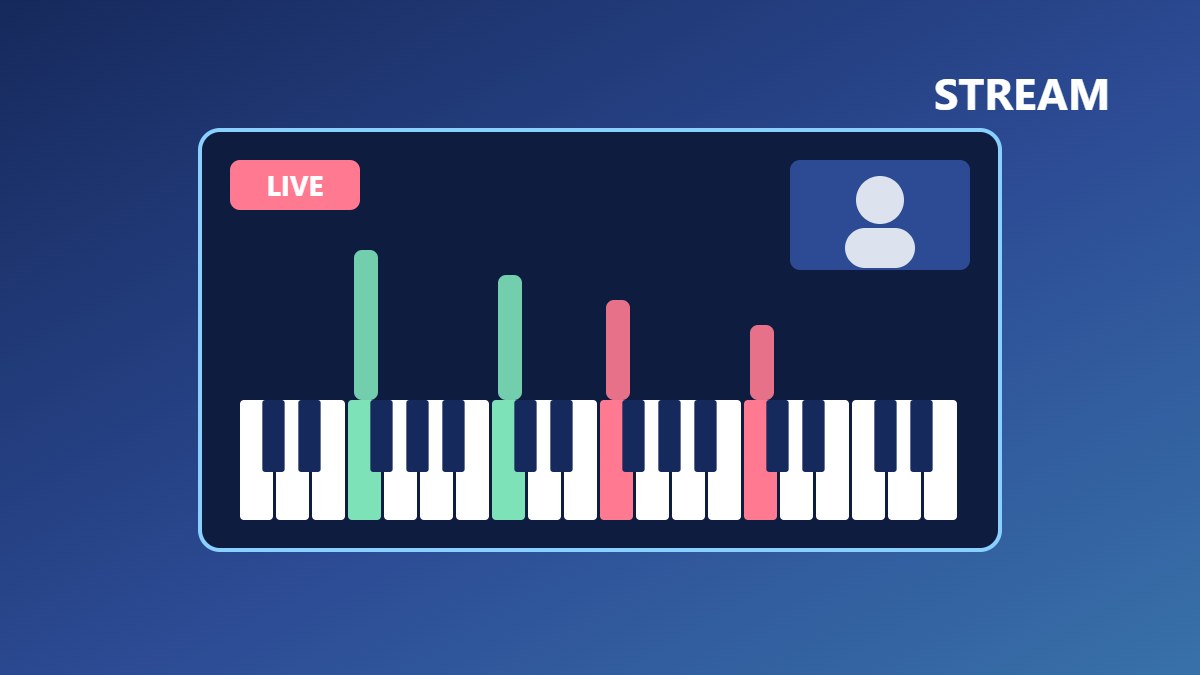
- Light up the keys on screen. With a MIDI connection, a keyboard overlay shows every note you press, even when the camera angle hides it. OBS plugins such as MIDI Piano Keyboard draw one from your MIDI input, and 3D piano visualizers can be captured as a scene. Test any plugin before you go live.
- Show the song title and who requested it in a corner of the screen.
- Prepare scenes in OBS for “starting soon”, “playing”, “chatting” and “break”, and switch with hotkeys.
Interaction that keeps people around
- Take song requests. A request queue shows viewers what you can play; StreamerSonglist works with Twitch, YouTube and Kick and adds a queue overlay.
- Learn a song live. Sight-reading or working out a request by ear is great content; people stay to see you get it.
- Talk between pieces: what the piece is, why you like it, a tip for players in chat.
- Run themed nights: anime, video game music, film themes, classical requests.
- Thank people by name when they follow, subscribe or request.
Covers and copyright
On Twitch, performing a cover live is generally allowed, but playing along to a karaoke or backing recording you don’t have rights to is not, and rights holders can still send takedowns. Twitch also mutes copyrighted audio in saved broadcasts and clips. YouTube scans every live stream and can interrupt one that matches a recording, and claims on the saved replay arrive after the stream. Your own music and your own performances of public-domain classical pieces are the safe choices. Rules change, so read the current Twitch Music Guidelines and YouTube’s live stream policies before a big stream.
Grow beyond the live stream
- Stream on a schedule and post it on your channel page.
- Use the right category. On Twitch, stream in Music and add the Piano tag.
- Clip the best moments and post them as Shorts, Reels or TikToks with the song name in the title.
- Turn your best pieces into videos. If you recorded MIDI during the stream, you can render the performance later as a falling-notes or 3D piano video, for example with a 3D pianist in Unreal Musician.
- Collaborate with other music streamers for raids and duets.
Record MIDI while you stream. A DAW or MIDI recorder running in the background costs nothing and lets you fix, re-render and reuse any performance later.
FAQ
What’s the best camera angle for piano streams?
Overhead for the hands, with a small face camera. Viewers come to see the playing and stay for the person.
Do I need to be a great pianist to stream?
No. Many popular streams are about learning in public. Consistency and personality matter as much as skill.
Twitch or YouTube for piano?
Twitch suits live chat and requests; YouTube suits finding new viewers through search. Many pianists stream on one and post clips on the other.