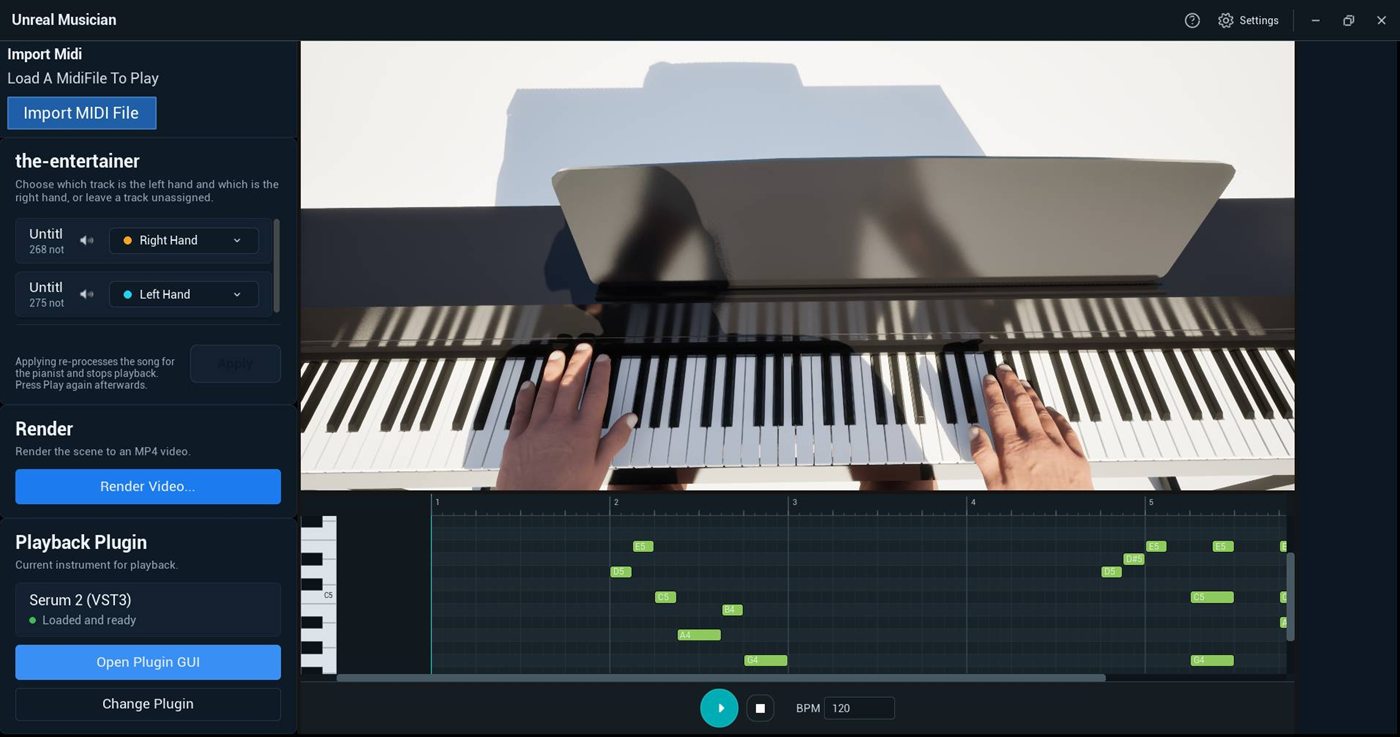
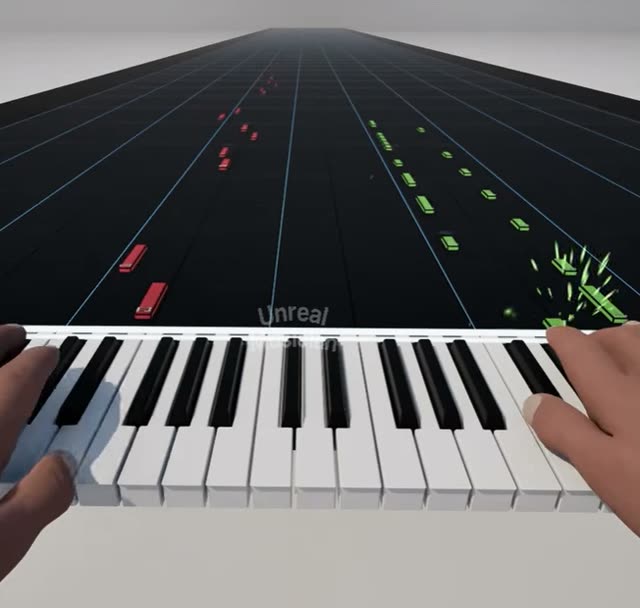
Import a MIDI file, watch a 3D pianist perform it in the scene you choose, and render the performance as an MP4 video.
Pick a stage, set the weather and the time of day, color each hand's notes, and fly the camera to any angle. The fingering is worked out automatically.
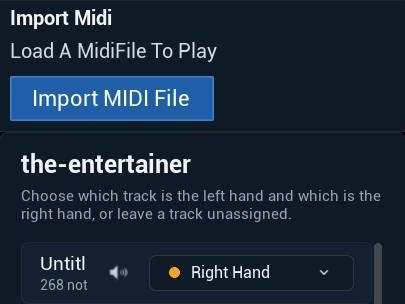
Open a .mid or .midi file. The app splits it into tracks and gives them to the pianist’s hands. You can change them at any time.
2
Watch it performed in 3D
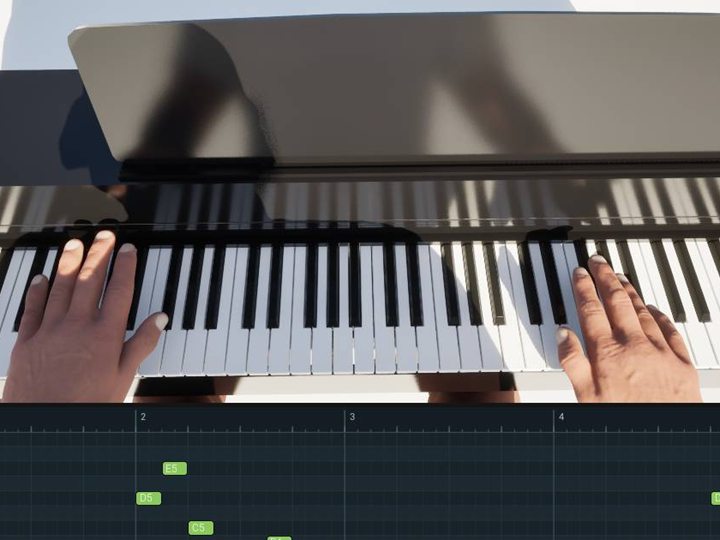
A 3D pianist plays your song with automatic fingering. Follow along on the piano roll, change the tempo and mute tracks.
3
Render a video
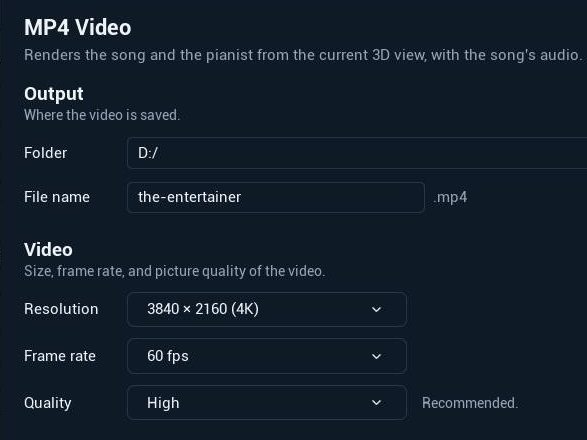
Export an MP4 at 24, 30 or 60 fps. Render the whole song or only part of it.
Make every performance your own
Set the scene before you render.
Falling notes and effects
Notes fall down lanes onto the keys the pianist plays, and glow as each one is held.
Weather
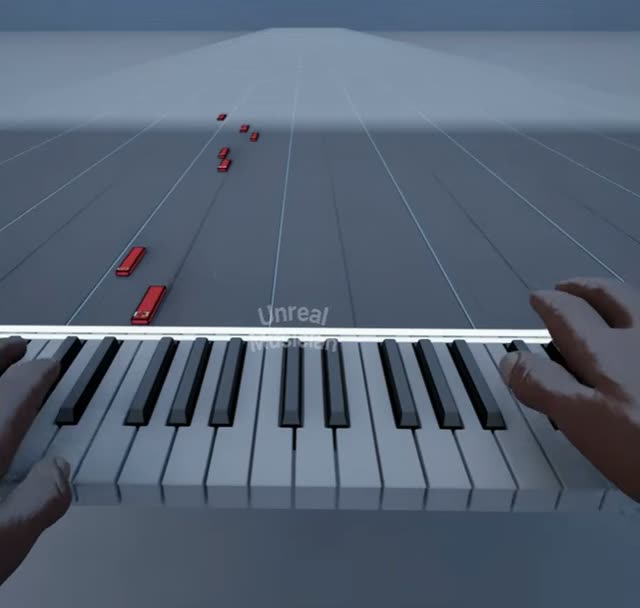
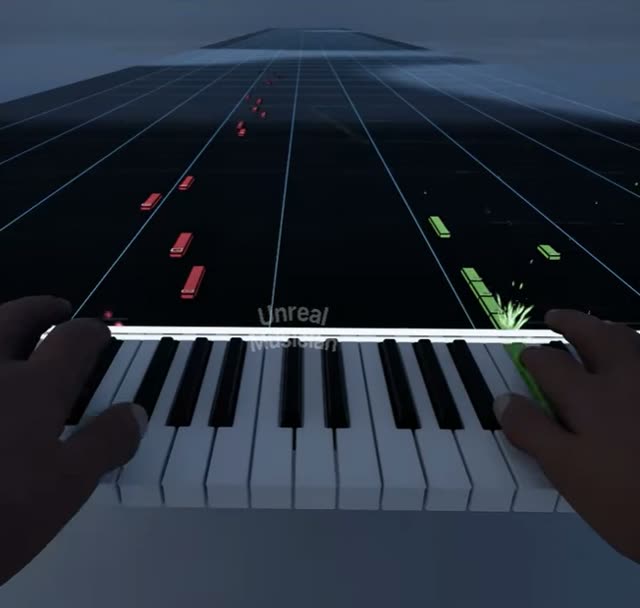
Clear, partly cloudy, overcast, foggy, light snow or a thunderstorm. The ground gets wet, puddles form and snow settles.
Time of day
Drag the clock from sunrise to midnight and the light follows. Stop the sun at golden hour for your video.
Three scenes
An upright piano, a falling-notes stage indoors, and one under the open sky. Switch scenes and your song stays loaded where you left it.
Your colors
Choose a color for each hand and two for the scene. Keys, falling notes, effects and the piano roll all match.
Any camera angle
Fly, orbit, pan and zoom like a film camera, then render your video from the view you set.
What you can make
Performance videos ready to upload.
Landscape for YouTube
Widescreen videos for YouTube, up to 4K.
Vertical for Shorts
1080×1920 for Shorts, Reels and other vertical feeds.
Square
1080×1080 for square posts.
Monetize your videos on YouTube or use them in client work.
Coming soon
More is on the way
Updates arrive free through the Microsoft Store. Coming next: drummers and more scenes, audio and YouTube import, playing, learning and recording with a MIDI keyboard, camera moves in videos, a note editor, and Mac and mobile versions.