Updated November 2026. We make Unreal Musician, one of the tools below.
Quick answer:
- A 3D pianist performing on cinematic stages, free: Unreal Musician.
- 3D falling notes: SeeMusic or Keysight.
- Full creative control: Blender with a MIDI add-on.
- Just watch a MIDI file in 3D: MIDITrail.
What “3D” means for a piano visualizer
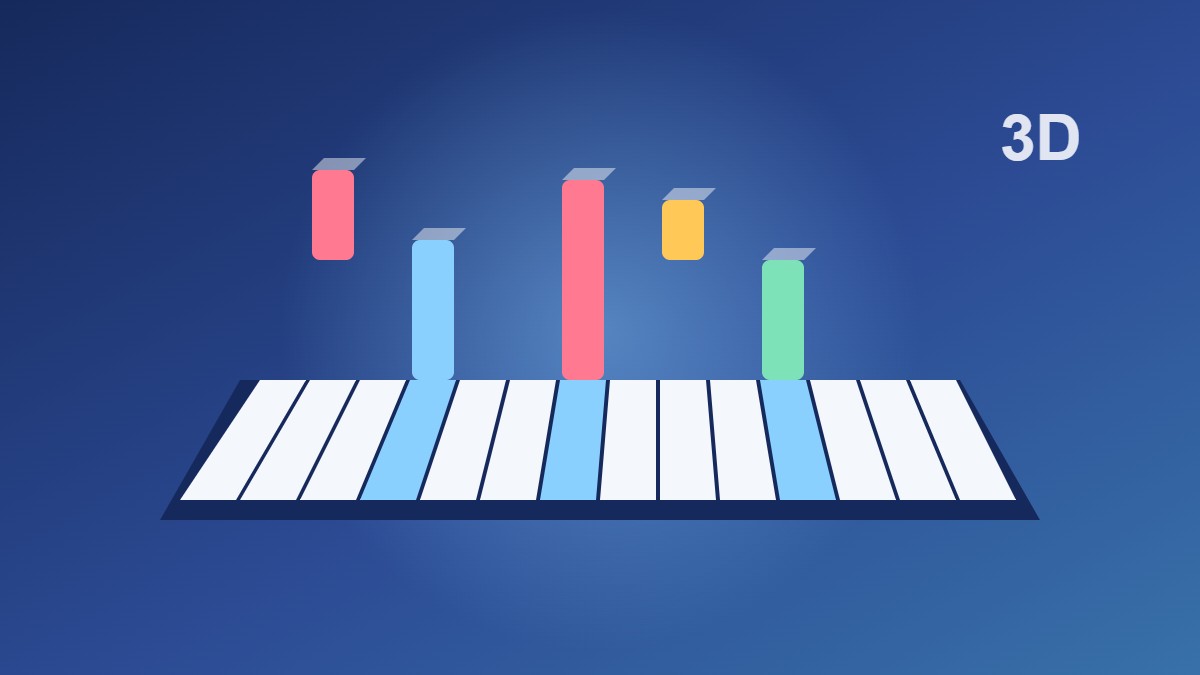
Most piano videos on YouTube are 2D: notes fall straight down onto a flat keyboard. A 3D visualizer puts the keyboard in a 3D space, so the camera can sit at an angle, move around and add depth, lighting and reflections. There are three kinds:
- 3D keyboard and notes: the classic falling-notes look, filmed from any angle.
- A full 3D stage with a performer: a virtual pianist plays the notes on a 3D piano.
- Scenes you build yourself in a 3D program such as Blender.
The tools at a glance
| Tool | 3D look | Starts from | Cost |
|---|---|---|---|
| Unreal Musician | 3D pianist, cinematic stages and more | MIDI | Free, Pro upgrade |
| Keysight | 3D keyboard and notes | MIDI | One-time purchase |
| SeeMusic | 2D or 3D notes, grand piano scenes | MIDI, or audio it converts | Free tier, paid plans |
| Blender add-ons | Whatever you build | MIDI | Blender free, add-ons paid |
| MIDITrail | 3D keyboard and notes | MIDI | Free |
Unreal Musician: a 3D pianist on cinematic stages
Unreal Musician goes beyond keys and notes: a 3D pianist performs your MIDI file with automatic fingering. Set the stage, from an intimate upright piano to an open-air concert, then choose the weather, the time of day and your own colours, from clear skies to snow or a thunderstorm. Fly the camera anywhere and render an MP4 in up to 4K, or vertical for Shorts. It’s free on the Microsoft Store.
Keysight: 3D notes built on Unreal Engine
Keysight is a real-time 3D keyboard and note visualizer aimed at piano video creators and streamers. You move the camera freely, and it renders MIDI files to MP4 at any resolution, aspect ratio and frame rate, mixing in your audio file. It makes no sound itself.
SeeMusic: 2D or 3D, with audio conversion
SeeMusic offers 2D and 3D note styles, grand piano scenes and camera moves, exports up to 4K at 60 fps, and can convert a piano recording to MIDI with AI. The most advanced features need a paid plan.
Looking for Concert Creator? It shut down in 2022. See what happened to Concert Creator and what to use instead.
Blender: build your own scene
Blender is free, and add-ons on its marketplace read MIDI files to animate the keys, hammers and pedals, or add glowing note effects (PianoFlare is one example). You get film-level control over the look. Drawbacks: a real learning curve, long render times, and the add-ons usually don’t create the sound, so you add the audio yourself.
MIDITrail: free, for watching
MIDITrail plays MIDI files with a 3D or 2D keyboard view. It has no video export, so you’d record the screen with OBS Studio. It’s good for exploring a MIDI file in 3D before choosing a tool.
Tips for a good 3D piano video
- Keep the keys readable. A high three-quarter angle looks 3D but still lets viewers follow the notes.
- Move the camera slowly, or not at all, during fast passages.
- Render at 60 fps. Falling notes stutter at lower frame rates.
- Use a decent graphics card. 3D scenes render much faster on a dedicated GPU.
FAQ
Is there a free 3D piano visualizer?
Yes. Unreal Musician and MIDITrail are free, and Blender is free if you build the scene yourself.
Can I use one live while I play?
Keysight and SeeMusic react to a connected MIDI keyboard in real time, which suits streaming.
Do 3D visualizers make the piano sound?
Not always. Keysight and most Blender add-ons are silent, so render your audio with a piano plugin and add it in.