Updated November 2026.
Quick answer:
- Find the port on the back of the piano marked USB to Host (a square USB-B or a USB-C socket).
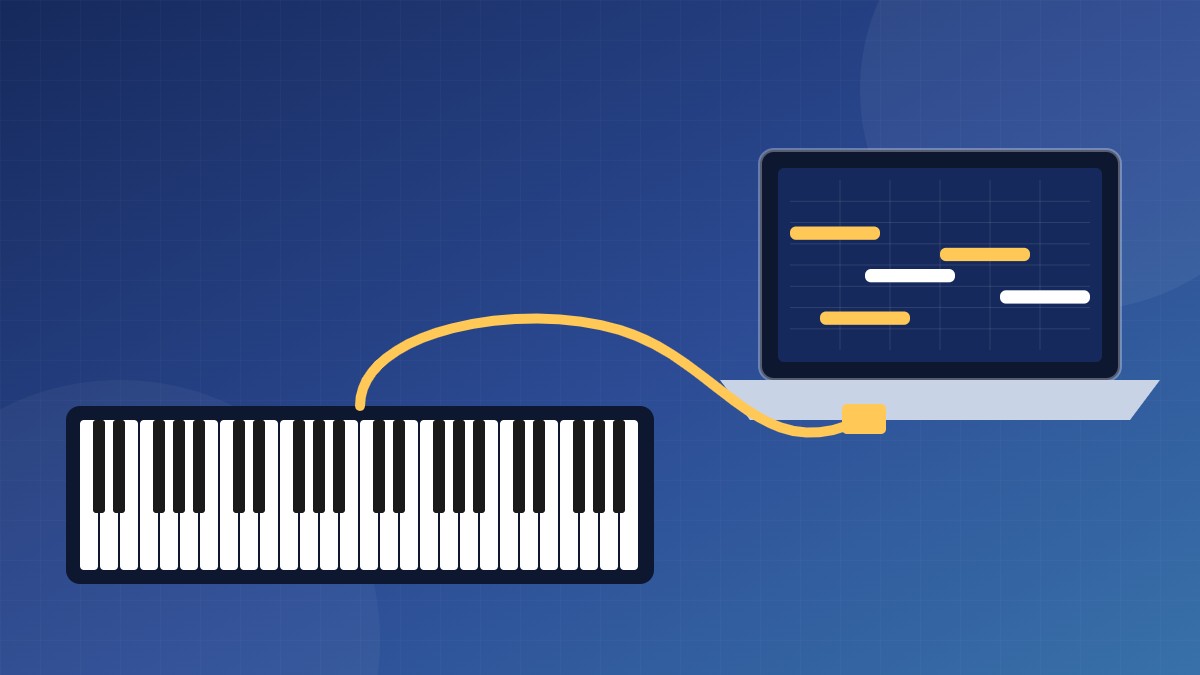
- Connect it to your computer with a USB cable. Most pianos work straight away with no driver.
- In your app’s settings, under MIDI, turn on your piano as an input.
- If the sound lags behind the keys, switch to an ASIO audio driver and lower the buffer size.
Which port and cable you need
| Port on the piano | What you need |
|---|---|
| USB to Host (square USB-B) | A USB-B to USB-A or USB-C cable, the same kind printers use. |
| USB-C | A USB-C cable that carries data, not a charge-only one. |
| MIDI OUT / IN (round 5-pin) | A USB-MIDI interface. Very cheap unbranded cables are often unreliable. |
| USB to Device (flat USB-A) | Not for computers. This is for USB sticks. |
| Bluetooth MIDI | Nothing, but read the Bluetooth section below first. |
Step by step on Windows
- Turn the piano on and plug in the cable. Windows sets it up by itself.
- Open your app (a DAW, MuseScore, a piano-learning app) and find its MIDI settings.
- Turn on your piano as a MIDI input. Some apps only check for devices when they start, so restart the app if the piano isn’t listed.
- Play a few notes. You should see a MIDI activity light or meter move.
If Windows doesn’t see the piano at all, check the manufacturer’s website. Some older models need a USB-MIDI driver.
On a Mac, open Audio MIDI Setup and choose Window > Show MIDI Studio to check the piano is there.
Bluetooth MIDI
Many newer digital pianos can send MIDI over Bluetooth. It’s simple on Mac, iPhone and iPad, where you pair the piano inside the app or in Audio MIDI Setup. On Windows, support depends on the app; if your app can’t find the piano, use a USB cable instead.
A cable is still the most reliable option for playing in real time. Also note that Bluetooth audio (streaming music to the piano’s speakers) is a separate feature from Bluetooth MIDI. A piano can have one without the other.
Fixing lag between key and sound
MIDI over USB is fast. When you hear a delay, it almost always comes from the computer’s audio.
- Use an ASIO driver on Windows. If you have an audio interface, use its own ASIO driver. If not, try a free one such as ASIO4ALL or FlexASIO. Macs don’t need this.
- Lower the buffer size to 128 or 256 samples. If you hear crackles, go up one step.
- Use wired headphones. Bluetooth headphones add a delay you’ll feel when you play.
Hearing two pianos at once?
If you play a piano plugin on the computer while the piano’s own sound plays too, turn the piano’s volume down, or set Local Control to Off in its function menu. The keys then send MIDI only.
FAQ
Do I need an audio interface?
Not for MIDI. You need one, or a piano that sends audio over USB, to record the piano’s own sound.
Does it work with an iPad?
Yes, with a USB adapter for the iPad’s port, or over Bluetooth MIDI.
My piano isn’t showing up. What else can I try?
Try another cable (some only charge), another USB port and no USB hub, and restart the app after connecting.