Updated November 2026.
Quick answer:
- Pick a format: filmed hands, hands with falling notes, falling notes only, a 3D pianist, or sheet music on screen.
- Record clean audio. On a digital piano, record the audio and MIDI at the same time.
- Title it “Song Name – Artist (Piano Cover)” and use a clear thumbnail.
- Expect a Content ID claim on copyrighted songs; usually the rights holder earns the ad money.
Five formats for piano covers
| Format | You need | Effort | Good for |
|---|---|---|---|
| Overhead hands | Phone or camera on a mount, good light | Low | Authentic feel, building a personal channel |
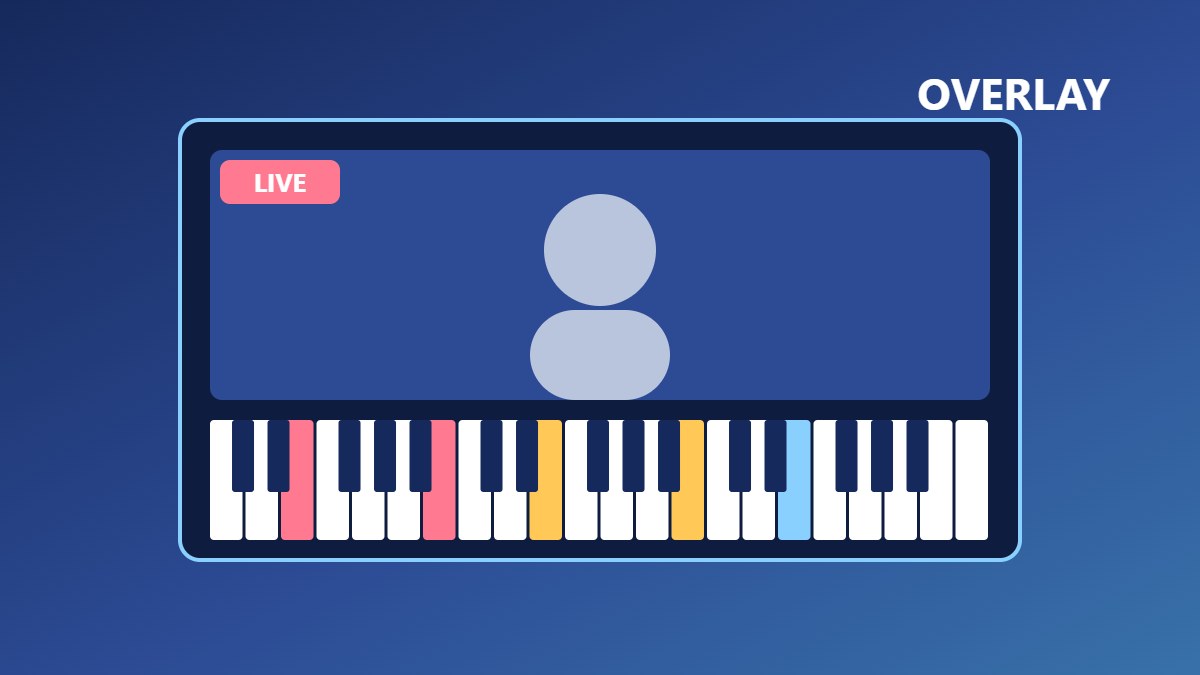
| Hands + falling notes | Camera, plus MIDI recorded at the same time | High | Tutorials; the most popular cover format |
| Falling notes only | A MIDI file and a visualizer | Medium | Players who prefer not to be on camera |
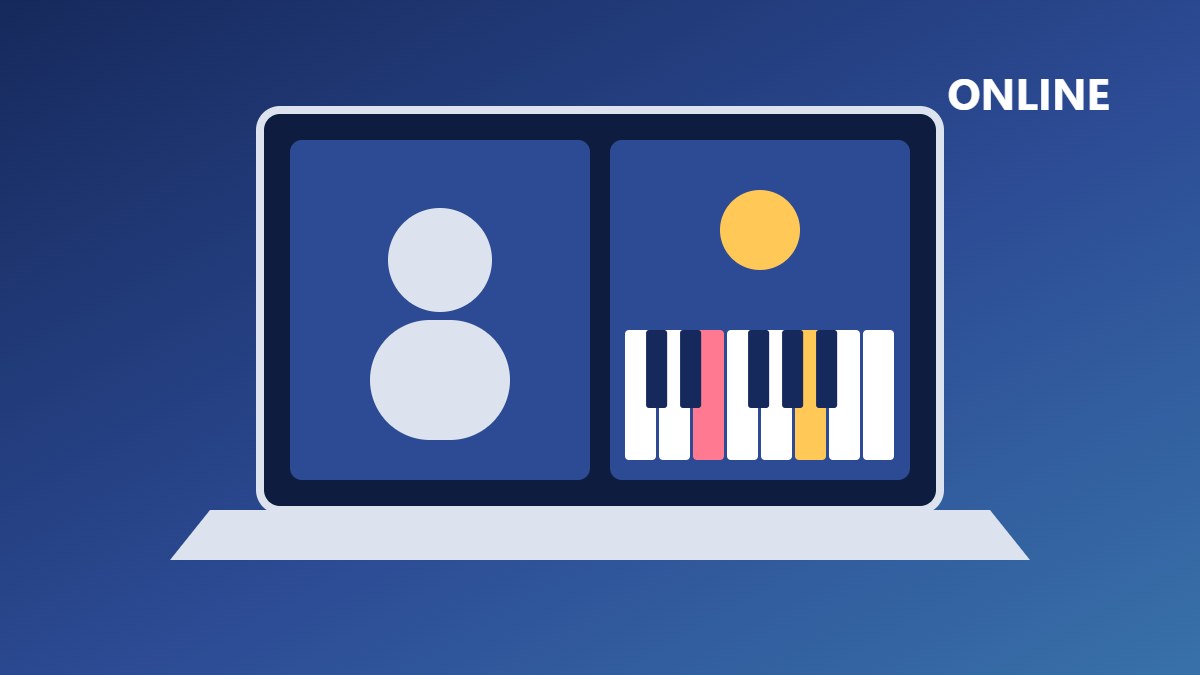
| 3D pianist | A MIDI file and a 3D app | Medium | A cinematic look without filming |
| Sheet music on screen | The score and a video editor | Medium | Players who read music |
Recording the cover
Digital piano: connect it to your computer and record the audio and MIDI at the same time. The MIDI lets you add falling notes or a 3D pianist later, even to a filmed video. See how to connect a digital piano to a PC and how to record it at home.
Acoustic piano: use a pair of microphones rather than the camera’s microphone. Viewers forgive a plain video far sooner than poor sound.
Making the video
- Filmed hands: mount the camera directly above the keys, light from the side to avoid shadows on the keys, and frame only the range you use.
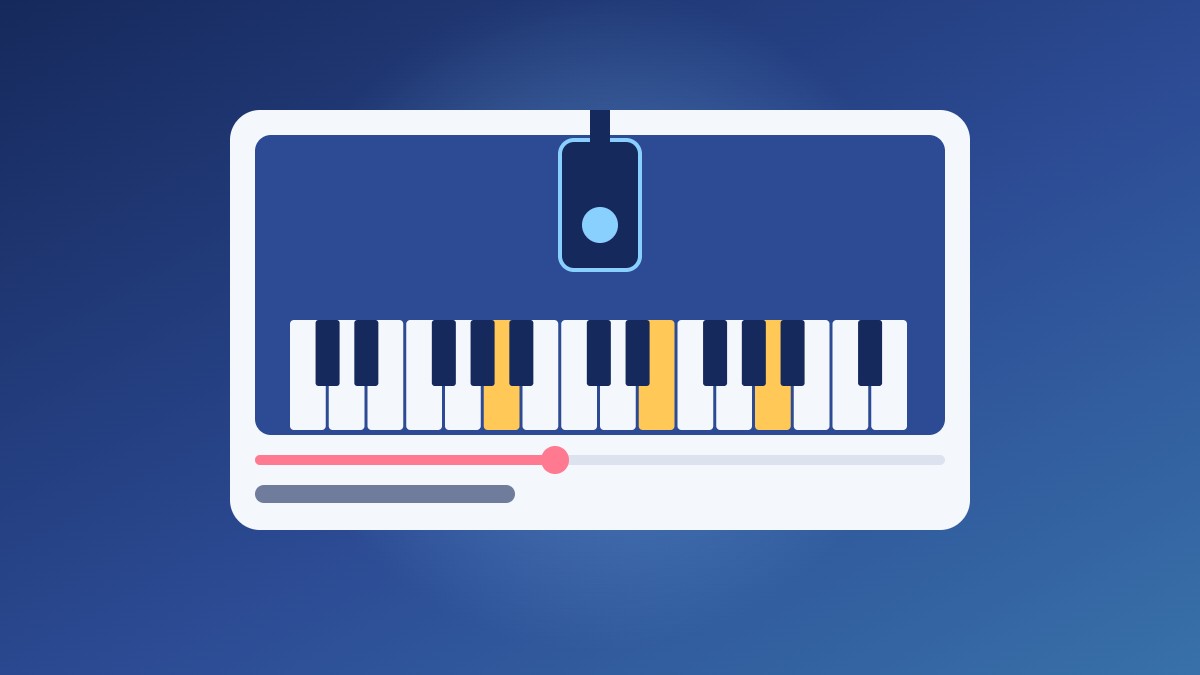
- Falling notes: load your MIDI into a visualizer; see falling notes piano videos.
- Hands plus notes: render the falling notes, then stack them under the camera footage in a video editor and line up the first note.
- 3D pianist: apps such as Unreal Musician play your MIDI with a virtual pianist and render the video; see animated pianist software.
Covers and copyright on YouTube
A cover of a copyrighted song is still that song. YouTube’s Content ID often matches covers. Usually the rights holder then takes the ad income and the video stays up; sometimes it’s blocked in some countries or everywhere. Your own compositions and public-domain classical pieces avoid this.
Note: uploading the video is different from selling sheet music or MIDI of the arrangement. Selling those needs a licence from the publisher.
Titles and thumbnails that get found
- Put the song name first: people search for the song, not for you. “Song Name – Artist (Piano Cover)” is the usual pattern.
- Add the level or style if it’s distinctive: “Easy Piano Tutorial”, “Emotional Piano Version”.
- Thumbnail: keys or hands, the song name in large text, readable at phone size.
- Cut a Short from the best 30–60 seconds and link the full video.
FAQ
Can I earn money from piano covers?
Often not from the ads, which go to the rights holder after a claim. Covers can still grow a channel that earns in other ways.
Do I need an expensive camera?
No. A recent phone on an overhead mount, with good light, is plenty.
Which format grows fastest?
There’s no guaranteed answer. Pick the one you can make consistently; regular uploads matter more than the format.