Updated November 2026.
Quick answer:
- Get a MIDI file with the right and left hands on separate tracks.
- Load it into a falling-notes visualizer: MIDIVisualizer (free), SeeMusic, Keysight, or Synthesia with a screen recorder.
- Give each hand a contrasting colour and pick a fall speed that suits the piece.
- Export at 1080p or 4K and 60 fps, with good audio.
Why it’s called “Synthesia style”
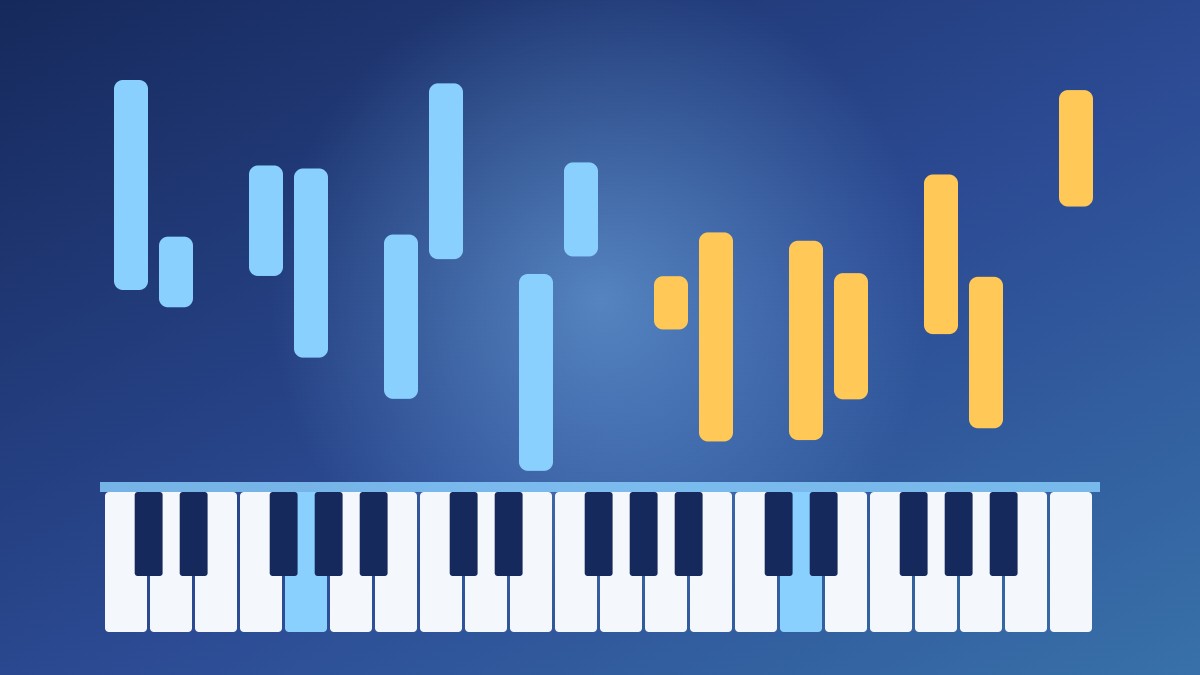
Synthesia, a piano learning game, made falling notes famous: coloured bars drop onto a keyboard and the key lights up when the note plays. Synthesia itself has no video export, so most creators now use visualizers built for rendering video.
Tools for falling notes videos
| Tool | Look | Cost |
|---|---|---|
| Unreal Musician | 3D pianist, falling-notes stage and more | Free, Pro upgrade |
| MIDIVisualizer | Classic 2D, very customisable | Free, open source |
| SeeMusic | 2D or 3D, many styles | Free tier, paid plans |
| Keysight | 3D keyboard, moving camera | One-time purchase |
| Synthesia + OBS | The original game look | Paid unlock; OBS free |
Design choices that make it easy to follow
- Colours: one colour per hand, clearly different in brightness as well as hue. Avoid a red and green pair, which many colour-blind viewers can’t tell apart; blue and orange works for almost everyone.
- Fall speed: slower for tutorials, so viewers can read ahead; faster for showpieces, where the motion is the point.
- Note labels: letter names on the bars help beginners learning by ear, but clutter fast pieces.
- Background: dark and simple. Busy backgrounds fight with the notes.
- Effects: a little glow or a few particles when notes hit looks polished; too much hides the keys.
- Keyboard range: show only the octaves the piece uses. The keys get bigger, which matters on phones.
Tutorial or showcase?
| Choice | Tutorial | Showcase |
|---|---|---|
| Fall speed | Slow | Medium to fast |
| Note labels | Yes | No |
| Tempo | Optional slowed version | Full speed |
| Effects | Minimal | Glow, particles, 3D camera |
Prepare the MIDI and audio
Clean MIDI makes a clean video: split the hands, remove stray notes, keep the sustain pedal. Render the audio with a good piano plugin and line it up in a video editor. Our step-by-step guide to making a piano video from MIDI covers both, plus YouTube export settings.
Vertical videos: for Shorts and TikTok (1080×1920), crop the keyboard to the range the piece uses, or the keys become too thin to read.
FAQ
Do I need to play the piece myself?
No. You can write the notes into a DAW or notation app, or convert a recording to MIDI.
What’s the best free falling notes app?
MIDIVisualizer is free, open source and exports video directly.
2D or 3D?
2D is clearest for learning. 3D looks more cinematic; see 3D piano visualizers.