Updated November 2026.
Quick answer:
- Install OBS Studio (free) on your computer.
- Set up a camera: a webcam or phone above the keys or beside you.
- Get the piano sound in directly: a digital piano by USB audio or line out, an acoustic piano with two microphones and an audio interface.
- Run a private test stream, check the sound on headphones, then go live on YouTube or Twitch.
Cameras and angles
| Angle | Shows | Best for |
|---|---|---|
| Overhead | Both hands and the keys | Tutorials, covers |
| Side | Your hands and face | Recitals, chatting with viewers |
| Wide | You, the piano and the room | Concert feel |
A phone with a webcam app or a 1080p webcam is enough to start. A DSLR or mirrorless camera looks better but usually needs an HDMI capture device. In OBS, make one scene per angle and switch between them.
Getting good piano sound
Sound matters more than picture for a music stream. Never rely on the laptop or webcam microphone.
- Digital piano: many models send audio over USB; otherwise run the line or headphone output into an audio interface. See how to connect a digital piano to a PC.
- Acoustic piano: two microphones into an audio interface. Our guide to recording piano at home covers placement.
- In OBS: add the interface as an audio input, aim for loud passages peaking around -6 dB, and add a Limiter filter so sudden fortissimos don’t distort.
- Set the audio bitrate to 320 kbps (Settings > Output). The default is tuned for speech.
Video settings
Run Tools > Auto-Configuration Wizard in OBS. It tests your upload speed and picks a resolution and bitrate. 1080p at 30 fps is plenty for piano; use a wired internet connection if you can.
Fix sound and picture out of sync
Webcams often lag behind the audio. Clap once on camera, watch a recording, and if the clap sound comes first, delay the audio in Edit > Advanced Audio Properties > Sync Offset (try 100–300 ms).
Add falling notes or a 3D piano live
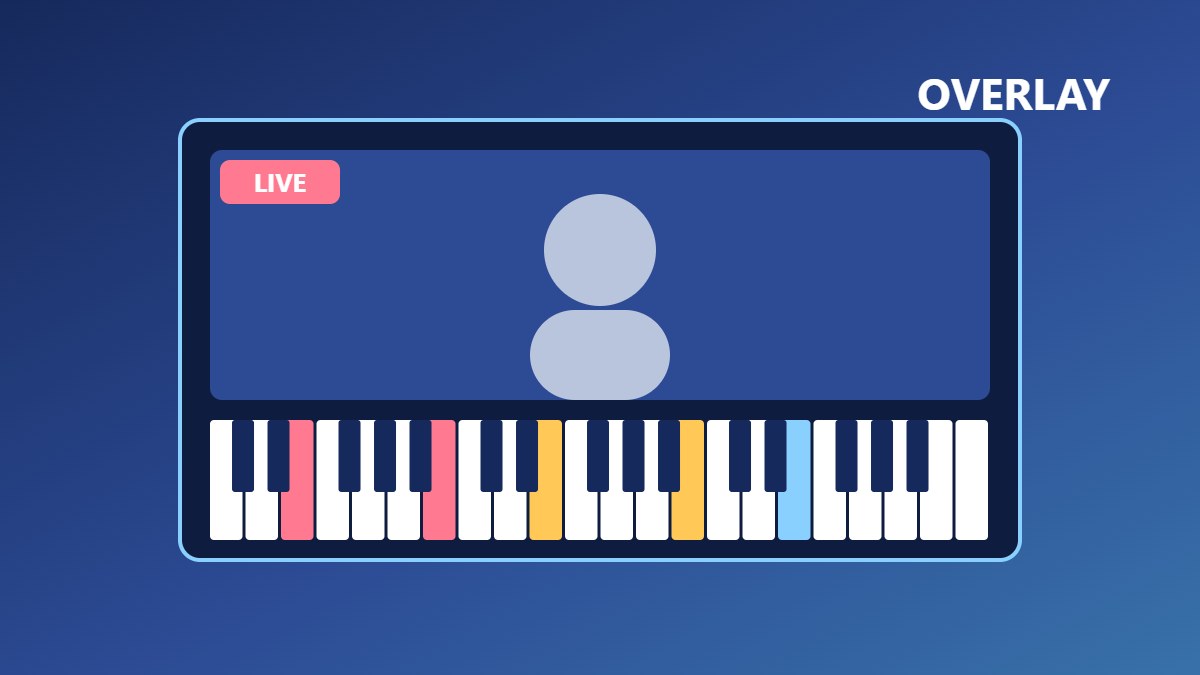
With a digital piano connected by MIDI, a real-time visualizer can show your notes as you play. Capture its window in OBS as an overlay or a separate scene. See 3D piano visualizers for tools that react to a live keyboard.
Copyright in live streams
Platforms treat live music differently and change their rules. Covers of copyrighted songs can be muted, interrupted or removed, and playing recorded music is riskier still. Your own music and public-domain classical pieces are safe. Check your platform’s current music guidelines before a big stream.
Before a recital: do a full private test at the same time of day, on the same network, and listen back on phone speakers and on headphones.
FAQ
Can I stream from just my phone?
Yes, through the YouTube or Twitch app, but sound is limited to the phone’s microphone unless you add an audio interface that works with phones. YouTube’s mobile streaming also has a subscriber minimum.
Do I need a capture card?
Only for cameras that connect over HDMI. Webcams and phone webcam apps don’t need one.
How do I stop echo?
Don’t monitor the stream on speakers while you play. Use headphones.