Updated November 2026.
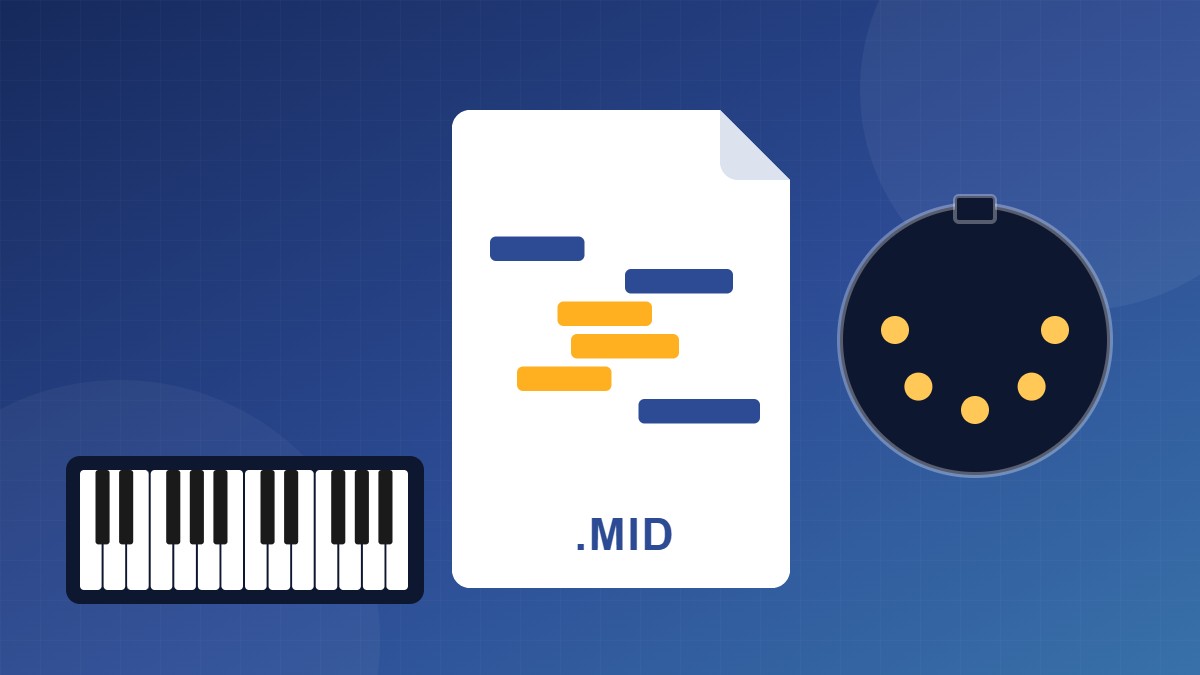
Quick answer: a MIDI file (.mid) is a list of instructions, not a recording. It says which notes to play, when, how hard and for how long. It contains no sound at all. The app or instrument that plays it chooses the sound, which is why the same file sounds different on different devices.
What’s inside a MIDI file
| Data | What it means |
|---|---|
| Notes | Which key, when it starts and when it stops. |
| Velocity | How hard the key was hit, from 0 to 127. It controls loudness and tone. |
| Channels | Up to 16, each of which can be a different instrument. |
| Tempo and time signature | The beat, so bars and notation line up. |
| Controllers | Things like the sustain pedal (controller 64), modulation and volume. |
| Program changes | Which instrument sound to use, from the 128-sound General MIDI list. |
MIDI vs audio
| MIDI (.mid) | Audio (WAV, MP3) | |
|---|---|---|
| Stores | Notes and performance data | The actual sound |
| File size | Kilobytes | Megabytes |
| Fix one wrong note | Easy | Hard |
| Change instrument or tempo | Easy, with no loss in quality | Limited |
| Sounds the same everywhere | No, it depends on the player | Yes |
Why does my MIDI file sound bad?
When you double-click a .mid file, your computer plays it through a basic built-in synth. On Windows that’s the Microsoft GS Wavetable Synth, which sounds dated. The file isn’t the problem. Load it into a DAW or notation app and play it through a good piano or orchestral plugin, and it sounds like a real instrument.
Type 0 and Type 1
Type 0 puts everything in one track. Type 1 keeps separate tracks, for example right hand and left hand, or one track per instrument. Most apps export Type 1. Choose Type 0 only if an older keyboard or app asks for it.
What you can do with a MIDI file
- Change the tempo without changing the pitch, and the other way round.
- Transpose to a new key in one click.
- Swap the instrument: piano to strings, or a cheap piano to a concert grand.
- Fix wrong notes and timing.
- Print it as sheet music in notation software such as MuseScore Studio.
- Turn it into a piano video.
Where MIDI files come from
- Your own playing: any digital piano or MIDI keyboard with USB records MIDI. See how to connect a digital piano to your PC.
- Notation software: anything you write in MuseScore or similar exports MIDI.
- Audio: AI tools can convert a recording to MIDI.
- Download sites: check the licence before you use a file in anything you publish.
FAQ
What about MIDI 2.0?
MIDI 2.0 was adopted in 2020 and adds finer detail and two-way communication between devices. The files you’ll find and share are still standard .mid files, and every app reads them.
Can I convert MIDI to MP3?
Yes. Open it in a DAW, assign instrument sounds, and export (bounce) to WAV or MP3.
Is a MIDI file of a song copyrighted?
The composition is, if the song is under copyright. Owning the file doesn’t give you the right to publish it.