Updated November 2026.
Quick answer: the formats that work best on piano streams are the ones viewers can take part in:
- Request nights: chat picks, you play.
- Learn it live: pick a song you can’t play and learn it on stream.
- Theme nights: anime, games, film, one composer.
- Challenges: blindfolded, one hand, genre swaps.
Pick two or three formats and give each a fixed day so regulars know when to come back.
Formats where chat takes part
- Song request night. Keep a list of what you can play and take requests from it. Unknown requests go on a “learn later” list.
- Learn it live. Chat picks a song you’ve never played and you work it out by ear or from sheet music. Watching the progress is the show.
- Genre swap. Chat names a song and a style: a pop hit as a waltz, a game theme as jazz, a ballad as ragtime.
- Name that tune. Play the first few notes of something and let chat guess. Great between longer pieces.
- Chat composes. Chat suggests notes, chords or a mood, and you turn it into a short piece by the end of the stream.
Theme nights
- Video game music. Melodies a gaming audience knows by heart.
- Anime and film themes. Big, emotional and instantly recognised.
- One composer night. Chopin, Joe Hisaishi, a film composer: go deep on one.
- Decade night. 80s pop, 90s ballads, 2000s hits.
- Calm night. Slow, quiet pieces for people studying or winding down. These can run for hours.
Challenges and series
- Sight-reading challenge. Open a piece you’ve never seen and play it at first sight.
- Restrictions. One hand only, eyes closed, only the black keys.
- A 30-day goal. Learn one hard piece over a month of streams and perform it at the end.
- Teach a quick lesson. Ten minutes on one chord progression or technique, then play songs that use it.
- Duets and raids. Play with another streamer, or trade songs with a guitarist or singer.
Covers and rules: playing a song live is treated differently from playing a recording. Avoid backing tracks you don’t have rights to, and check your platform’s music rules. Our piano streaming tips cover the details.
Make every format look good
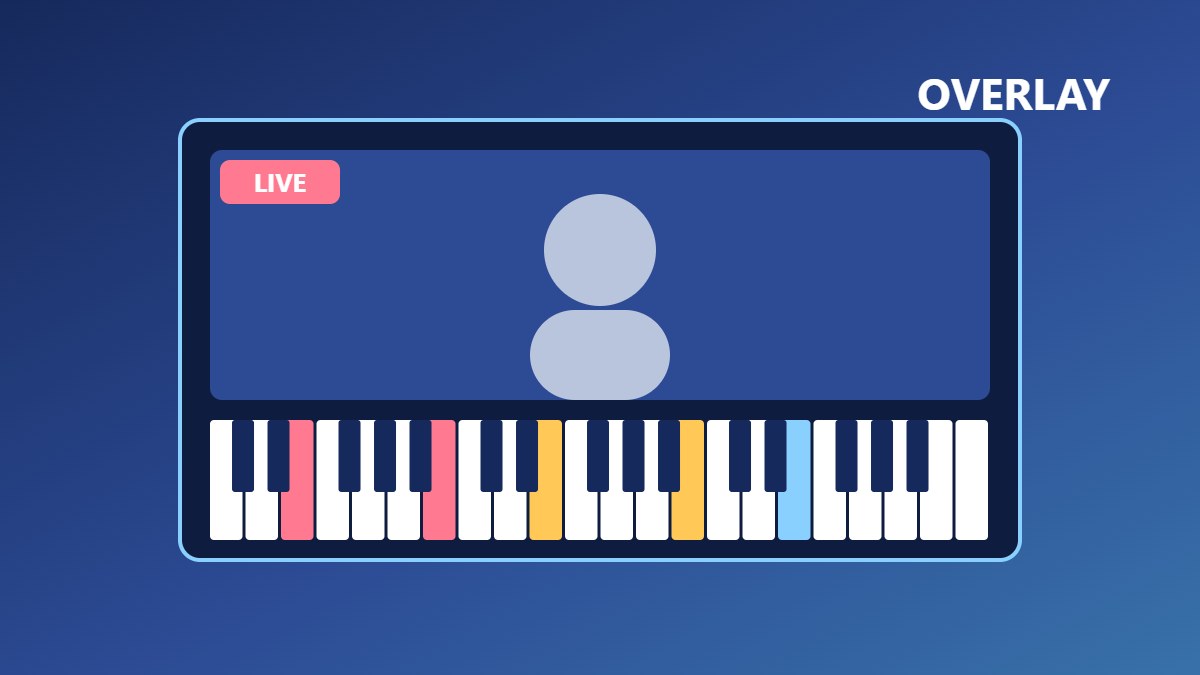
- Show the keys. An overhead camera plus an on-screen keyboard that lights up from MIDI makes every format easier to follow. See how to show your piano keys on stream.
- Put the format on screen: “Request night”, the current song and who asked for it.
- Save the best moments as clips. A finished learn-it-live song or a great genre swap makes a strong short video, and a MIDI recording of it can be rendered later as a falling-notes or 3D piano video in a tool such as Unreal Musician.
FAQ
How long should a piano stream be?
Long enough for people to find you: two to three hours is common. Calm study streams often run longer.
What if nobody is in chat?
Talk anyway, as if a friend is listening. Explain what you’re playing and why. New viewers judge the stream by what they hear in the first minute.
How many formats should I run?
Two or three, each on a fixed day. Regular formats give viewers a reason to come back.