Updated November 2026. Prices vary by country and change often.
Quick answer: there are three kinds of piano lesson app, and the right one depends on how you learn:
- Interactive apps (Simply Piano, Skoove, Flowkey) listen while you play and tell you what was wrong. Best for beginners who need daily motivation.
- Video lesson courses (Pianote, Playground Sessions) teach through a real teacher on video. Best for adults who want explanations and technique.
- Live online lessons with a teacher over video call. Best for posture, technique and exams, at a higher price.
Interactive lesson apps
These apps show you what to play and listen through the microphone or a MIDI cable, then score your notes and timing. The lessons are short and built around songs, so it’s easy to practise every day. Duolingo Music works the same way for the very basics, with note reading and rhythm on an on-screen keyboard.
Good for: complete beginners, kids, busy adults. Watch out for: they can’t see your hands, so posture and technique go unchecked. Compare them in our best piano learning apps guide.
Video lesson courses
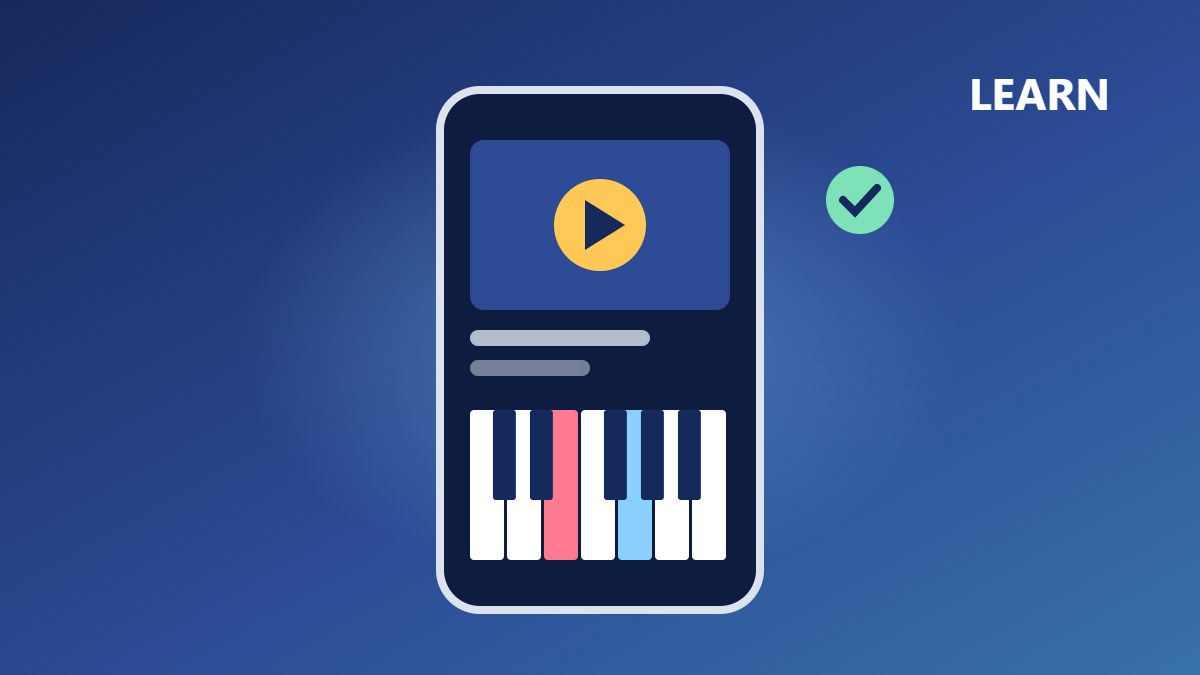
Courses such as Pianote and Playground Sessions are built around a real teacher on video who explains technique, theory and style step by step. Pianote doesn’t listen to your playing; instead you can send recordings for teacher feedback and join live Q&As. Playground Sessions combines video lessons with real-time scoring through a keyboard.
Good for: adults who like to know why, chord and pop players, returning players. Watch out for: less instant feedback, so you need to be your own judge between check-ins.
Live online lessons
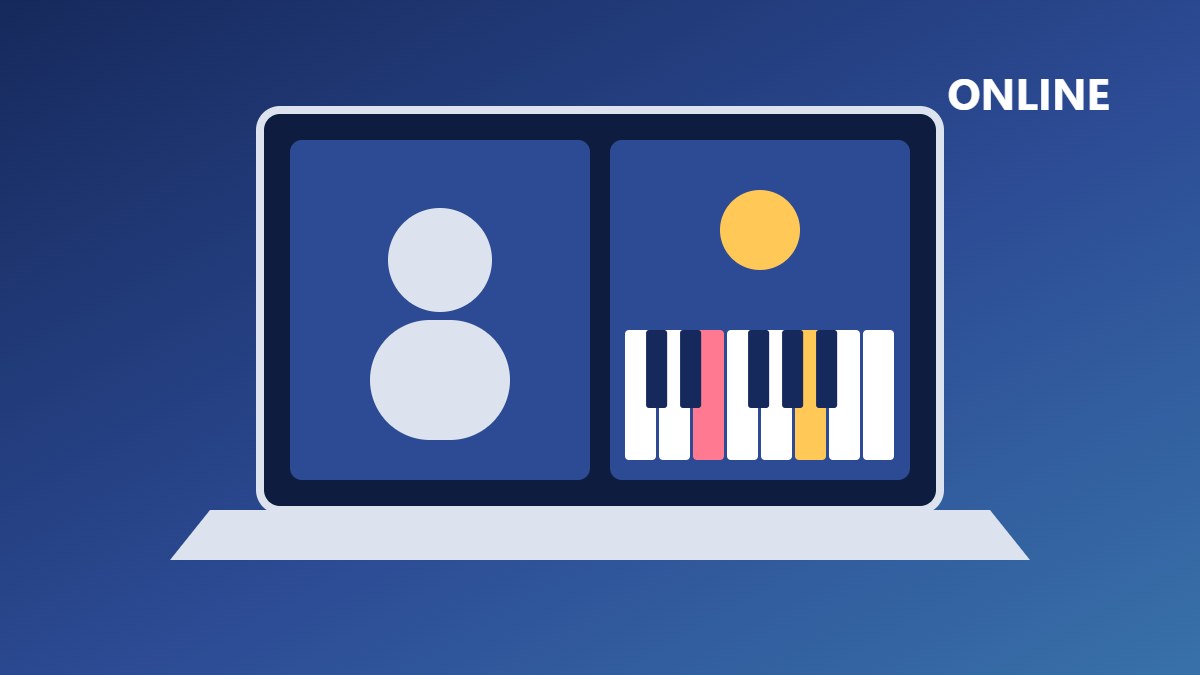
A teacher watches you over a video call and corrects your hands, posture and sound in real time. Nothing else gives that kind of feedback. On marketplaces such as Lessonface, teachers set their own rates, from about $15 for 30 minutes; $30 to $40 a lesson is common for experienced teachers.
Good for: technique, expression, exams, and anyone who wants accountability. Watch out for: cost, and fixed lesson times.
Side by side
| Interactive app | Video course | Live teacher | |
|---|---|---|---|
| Feedback | Instant, notes and timing | Self-check, plus teacher reviews on some | Personal, hands and sound |
| Technique | Little | Explained and shown | Corrected |
| Motivation | Streaks, songs, games | Teacher and community | A weekly appointment |
| Typical cost | Free tiers; about $15–30 a month, less paid yearly | About $25–30 a month | From about $15 per 30 minutes |
The combination that works for most adults
- Use an interactive app or video course for daily practice, 15 to 20 minutes.
- Book a live lesson once or twice a month to check posture and fix habits early.
- Follow a simple routine such as our 20-minute daily practice plan.
- Connect a digital piano by cable for more accurate feedback. See how to connect a digital piano.
How to choose in one week
- Start free trials of two apps on the same day and do a lesson in each daily.
- At the end of the week, keep the one you wanted to open.
- Cancel the other before the trial ends.
FAQ
Are piano lesson apps worth it?
Yes, for learning notes, rhythm and songs and for building a habit. Add a teacher now and then for technique.
Can a piano app replace a teacher?
Not fully. Apps check which notes you play, not how you play them.
Do lesson apps work with a keyboard?
Yes. Most work with any keyboard or piano through the microphone, and a MIDI cable makes detection more accurate.