Updated November 2026. We make Unreal Musician, one of the apps below.
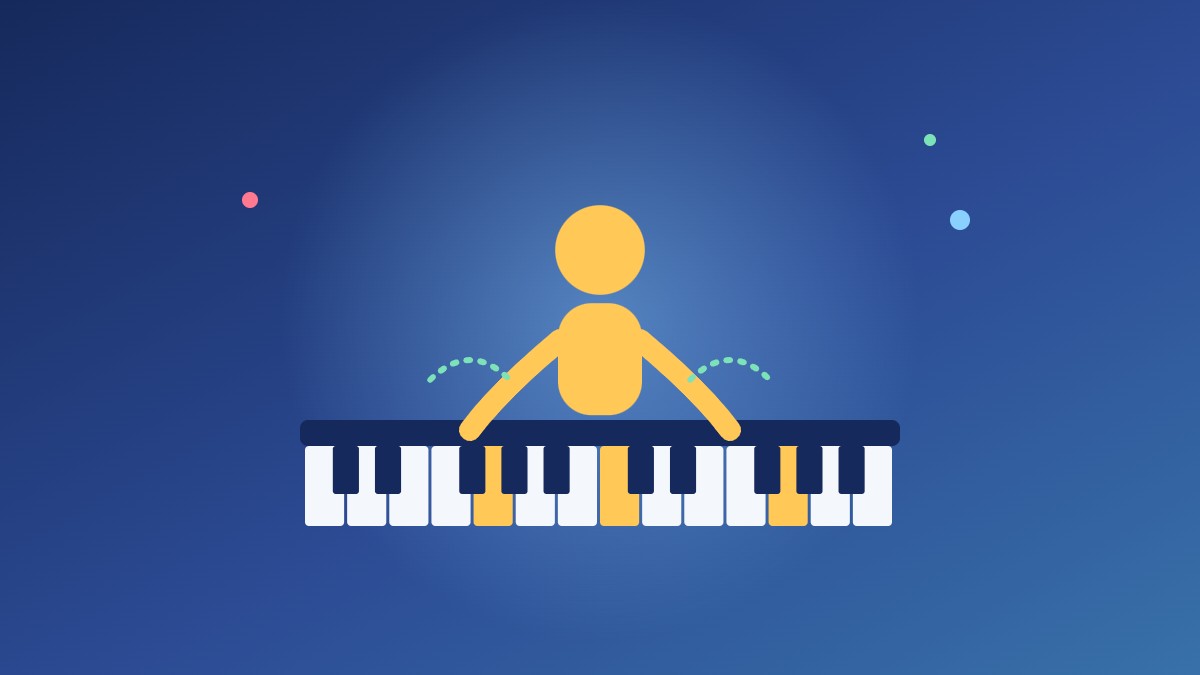
Quick answer: the easiest route is an app that animates the pianist for you: Unreal Musician turns a MIDI file into a 3D pianist performance on cinematic stages, free. For your own character in an animated film, use Blender with a MIDI-driven add-on, or keyframe or motion-capture the hands yourself.
Why animating a pianist is hard
Every note needs the right finger on the right key at the right moment, and the hands have to travel ahead of the notes. Pianists spot wrong fingering instantly, which is why badly animated piano scenes in films are a running joke. Even Pixar used MIDI recordings of real performances to guide the piano scenes in Soul.
The good news: a MIDI file already contains every note’s timing and loudness. Software can use it to work out the fingering and animate the hands.
Option 1: apps that animate the pianist automatically
| App | Starts from | What you control |
|---|---|---|
| Unreal Musician | MIDI file | Hands per track, stages, weather, time of day, colours, free camera |
| AR Pianist | Its song library, or MIDI | A virtual pianist placed in your room through augmented reality |
In Unreal Musician the pianist plays your MIDI with automatic fingering and the app renders it in up to 4K, on the stage, weather and light you choose. Starting from a recording? Convert it to MIDI first. (Concert Creator, which worked from audio, shut down in 2022.)
Option 2: Blender add-ons
Blender add-ons can turn a MIDI file into animation. Most animate only the keys, hammers and pedals. A few, such as Piano Motion Studio, also generate the body, hand and finger animation for a rigged pianist, which you can then edit. Check the limits before you buy: that one needs a recent Blender on an Apple Silicon Mac, caps pieces at about two minutes and doesn’t support custom characters.
Option 3: animate it yourself
- Keyframing: film a real pianist from above and from the side, then match it frame by frame. It’s slow, but you control every detail.
- Motion capture: body suits miss finger detail, so you need data gloves or a dedicated hand-tracking setup for the fingers.
- Either way, use the MIDI as your timing guide. Import it to see exactly when each key goes down.
Tips for a believable pianist
- Put each hand on its own MIDI track. Apps assign tracks to hands, so a split file gives cleaner results.
- Clean the MIDI first. Stray notes from audio-to-MIDI conversion make the hands jump.
- Choose camera angles that flatter the animation. A side or high three-quarter view reads well; extreme close-ups expose small errors.
- Slower pieces look most natural. Very fast runs push any automatic fingering to its limits.
Note: automatic fingering is the software’s best guess. It looks convincing on screen, but it isn’t a substitute for a teacher’s fingering if you’re learning the piece.
FAQ
Can I use my own character?
In Blender you can, though many add-ons only work with their bundled rig.
Can the pianist play from an MP3?
Yes. Convert the recording to MIDI first, then load it into Unreal Musician.
Is there a free option?
Unreal Musician is free, and Blender is free if you animate by hand.