Updated November 2026.
Quick answer:
- Get a clean MIDI file of the piece: record it from a digital piano, write it, or convert it from audio.
- Render good-quality audio from the MIDI with a piano plugin, or use the video app’s own sound.
- Load the MIDI into a visualiser: falling notes or a 3D piano.
- Export an MP4 at 1080p or 4K and 60 fps, then upload it.
Choose a style
| Style | Tools | Good to know |
|---|---|---|
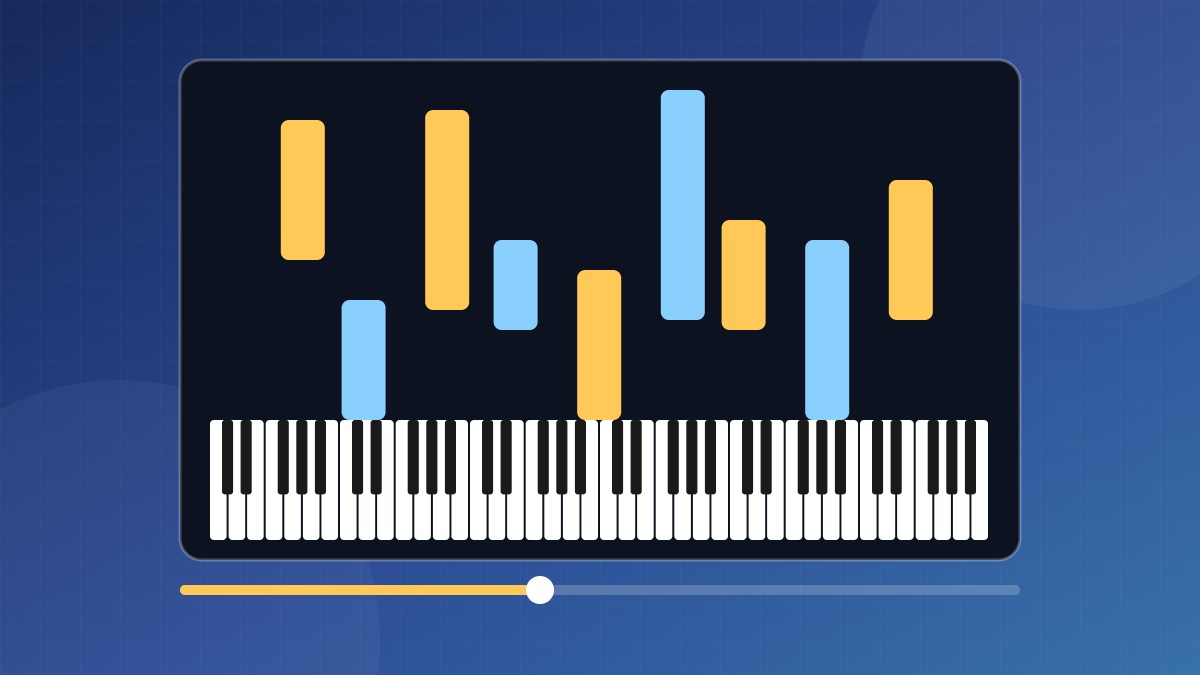
| Falling notes | MIDIVisualizer (free, open source) | Windows, Mac and Linux. Exports video directly, with lots of colour and layout options. |
| Falling notes with sheet music | SeeMusic (paid) | Many visual styles and direct video export. |
| Learning-game look | Synthesia + OBS Studio | Synthesia has no video export, so you record the screen with OBS (free). |
| 3D pianist | Unreal Musician (free, Pro upgrade) | Windows 11. A 3D pianist plays your MIDI and the app renders an MP4. |
| Real hands | Phone or camera above the keys | No MIDI needed, but you must play it perfectly on camera. |
Prepare the MIDI
- Split the hands into two tracks (right and left). Most visualisers colour by track, which makes the video easier to follow.
- Delete ghost notes, especially in converted MIDI. Every stray note shows on screen.
- Quantize lightly or not at all. Human timing looks and sounds natural.
- Keep the sustain pedal data so notes ring the way they should.
- Leave a bar of silence at the start so viewers can settle in.
No MIDI yet? See how to record your digital piano or how to convert audio to MIDI.
Get the audio right
A visualiser’s built-in sound can be basic, and viewers notice bad audio before bad visuals. For the best result:
- Play the MIDI through a good piano plugin in your DAW and export a WAV.
- Export the video from the visualiser.
- Combine them in a video editor such as DaVinci Resolve (free) and line up the first note. If the visualiser adds a lead-in, slide the audio to match.
Export settings for YouTube
| Setting | Use |
|---|---|
| Resolution | 1920×1080, or 3840×2160 for 4K. 1080×1920 for Shorts. |
| Frame rate | 60 fps for smooth falling notes. 30 fps is fine for slower pieces. |
| Format | MP4 with H.264 video |
| Audio | AAC, 48 kHz |
Copyright: a cover of a copyrighted song may get a Content ID claim on YouTube. Often the rights holder takes the ad money; sometimes they block the video. Your own compositions and public-domain classical pieces are safe.
FAQ
Do I need to play well?
No. You can fix the MIDI before rendering, or write the notes in by hand.
Can I make one without a piano?
Yes. Write the notes in a DAW or notation app, or convert a recording to MIDI.
Can I make vertical videos for Shorts and TikTok?
Check the tool’s export size settings, or crop a landscape video in your editor.