Updated November 2026.
Quick answer:
- Record MIDI if you want to fix wrong notes, change the piano sound later, or make sheet music or videos. You need one USB cable.
- Record audio if you love your piano’s own sound. Run its line out into an audio interface.
- Best of both: record audio and MIDI at the same time.
Audio or MIDI?
| MIDI | Audio | |
|---|---|---|
| What you get | The notes you played | The sound of your piano |
| Gear | USB cable | Audio interface and cables |
| Fix a wrong note | Easy | Hard |
| Change the piano sound later | Yes | No |
| Sounds like | Whatever piano plugin you choose | Your digital piano |
Recording MIDI
- Connect the piano with USB. See how to connect a digital piano to your PC.
- In your DAW, create an instrument track with a piano plugin, arm it and press record.
- Play, then check that the sustain pedal was recorded too. It shows up as controller 64.
Software to start with: GarageBand (free on Mac), Waveform Free (Windows, Mac, Linux) and Reaper (low-cost, with a free evaluation). Most DAWs come with a decent piano, and free piano libraries such as Spitfire LABS are a good upgrade.
Recording audio
- Connect the cables. Run the piano’s Line Out L and R into inputs 1 and 2 of an audio interface. No line out? Use the headphone socket with a stereo-to-two-jacks cable, and keep the piano’s volume around two-thirds to avoid hiss and distortion. Some pianos also send audio over USB, so check the manual.
- Set the interface inputs to Line, not Instrument or Hi-Z.
- Set the level. Play your loudest passage and adjust the gain so it peaks around -12 to -6 dB in your DAW. Never let it hit the red.
- Record at 48 kHz, 24-bit. That’s standard for music and video.
- Turn off the piano’s reverb if you plan to add your own later. You can’t remove it afterwards.
Record both at once
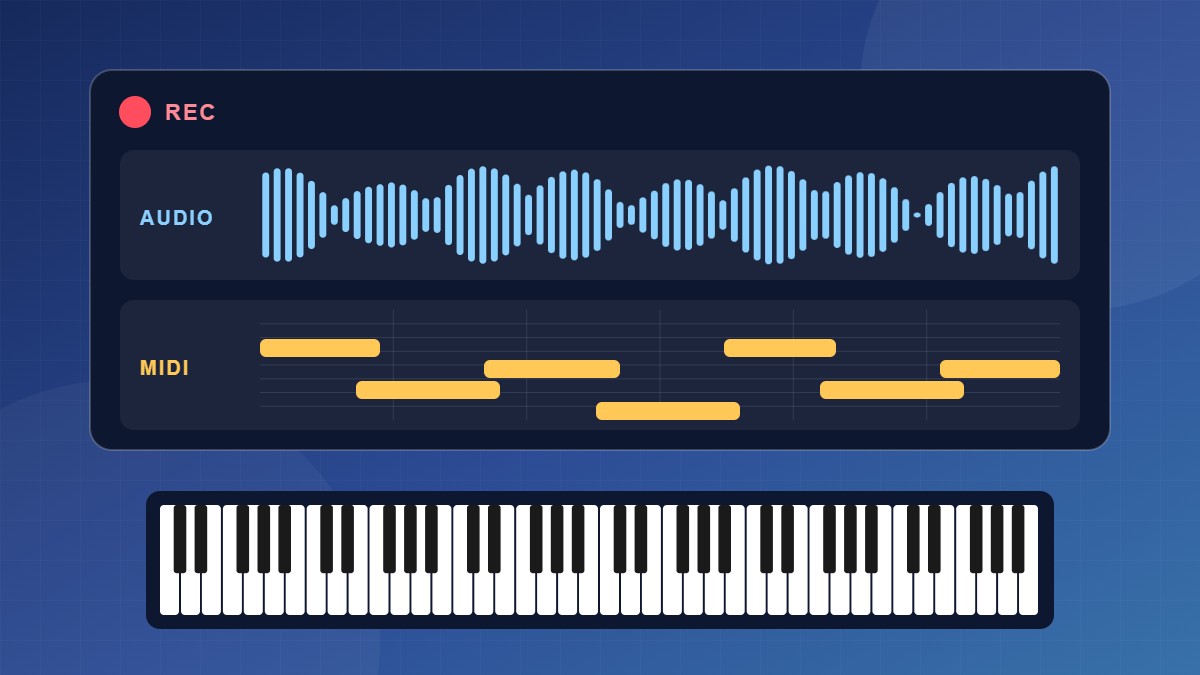
Arm a stereo audio track and a MIDI track together. You keep the real sound of your piano, and you also have MIDI for fixes, sheet music or a piano video.
Acoustic piano? This guide covers digital pianos. An acoustic piano needs microphones, which is a different setup.
FAQ
Which sounds better, the piano’s own sound or a plugin?
It depends on the piano. Good piano plugins often beat the built-in sound of entry-level pianos. High-end digital pianos sound great recorded directly.
Can I just record with my phone?
For quick ideas, yes. For anything you’ll publish, a cable or MIDI recording sounds much cleaner.
44.1 kHz or 48 kHz?
Either is fine. Use 48 kHz if the recording is going into a video.