Updated November 2026.
Quick answer:
- Record solo piano at a steady tempo, ideally with a metronome.
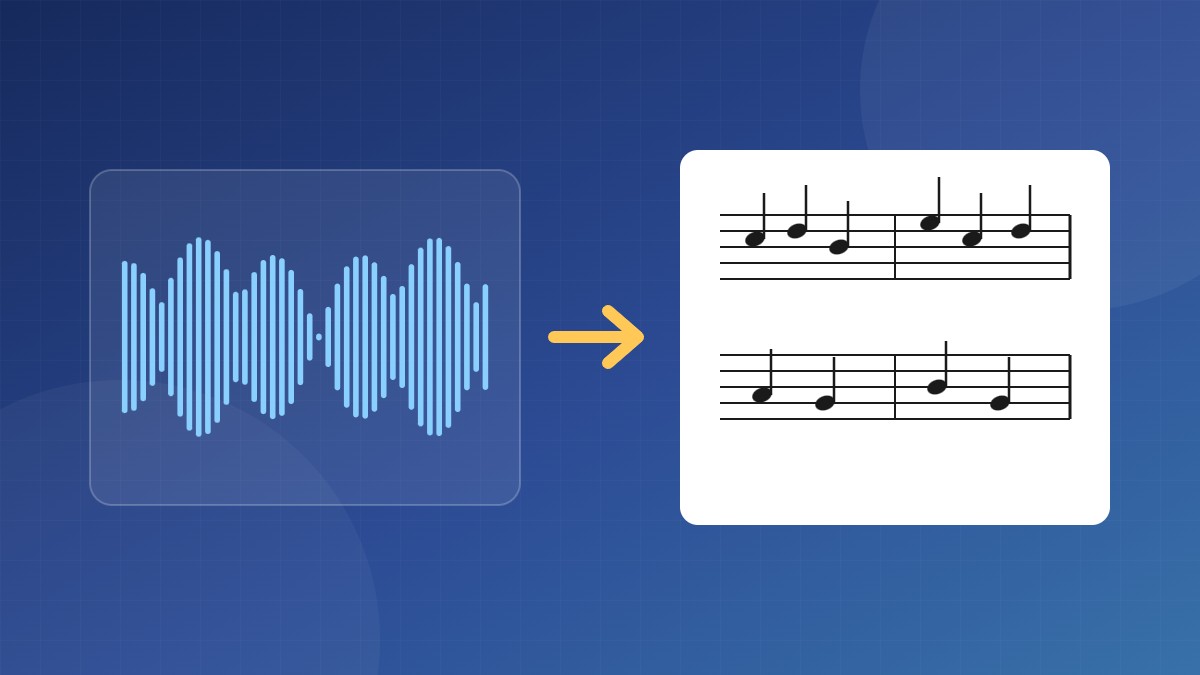
- Upload it to a piano transcription tool such as Piano2Notes or AnthemScore, or convert it to MIDI for free with Basic Pitch.
- Open the result in free notation software such as MuseScore Studio.
- Fix the rhythms, split the hands and add dynamics by hand.
Two routes: all-in-one or MIDI first
All-in-one tools take your audio and give you sheet music directly. Piano2Notes (by Klangio) works in the browser and exports PDF, MusicXML and MIDI. AnthemScore is a desktop app that lets you correct notes before it builds the score.
MIDI first is the free route: convert the audio to MIDI with Basic Pitch (see how to convert audio to MIDI), then open the MIDI in MuseScore Studio. It takes more cleanup.
| Route | Cost | Cleanup needed |
|---|---|---|
| Piano2Notes | Limited free use, then subscription | Low to medium |
| AnthemScore | One-time purchase, free trial | Medium |
| Basic Pitch + MuseScore Studio | Free | Medium to high |
Record for a clean transcription
- Play to a click. The software guesses where the bar lines go from your timing. Rubato and tempo drift give you messy rhythms.
- Cut the room sound. Record close to the piano, or from a digital piano’s line out. Reverb blurs note endings.
- Go easy on the pedal for transcription takes. Long pedal makes notes overlap, which shows up as tied notes and odd rhythms.
- Digital piano? Skip transcription and record MIDI straight from the keys. It’s exact. See how to record your digital piano at home.
Turn the MIDI into readable notation
In MuseScore Studio, set the shortest note value in the MIDI import preferences before you open the file. A 16th note is a good start; it stops tiny timing wobbles turning into 64th notes. Then open the .mid file.
- Check the tempo and time signature. If the bar lines are in the wrong place, fix the tempo or quantize in your DAW first, then import again.
- Split the hands. If both hands land on one staff, move notes below middle C to the bass staff, then fix hand crossings by hand.
- Simplify the rhythms. Replace strings of tied notes with the note value a pianist would actually read.
- Add the musical marks: dynamics, pedal markings and fingering. No tool does this well yet.
Expect to edit. AI gets the pitches mostly right on clean solo piano. Rhythm and hand-splitting are where you’ll spend your time.
FAQ
Can AI transcribe both hands?
Yes. Piano tools handle chords and two hands, but you’ll still decide which notes belong to which hand.
Is the free route good enough?
For simple pieces, yes. For fast or dense music, a piano-specific tool saves a lot of cleanup.
Can I transcribe a song from YouTube?
Technically yes, if you have the audio. Keep it for personal study unless you have permission to share it.