Updated November 2026.
Quick answer:
- Start with a clean recording of one instrument. If it’s a full song, split it into stems first.
- Drop the file into a converter. Basic Pitch by Spotify is free and runs in your browser.
- Download the MIDI file and open it in your DAW or notation app.
- Clean it up: delete stray short notes, fix wrong octaves and set the tempo.
What audio to MIDI can and can’t do
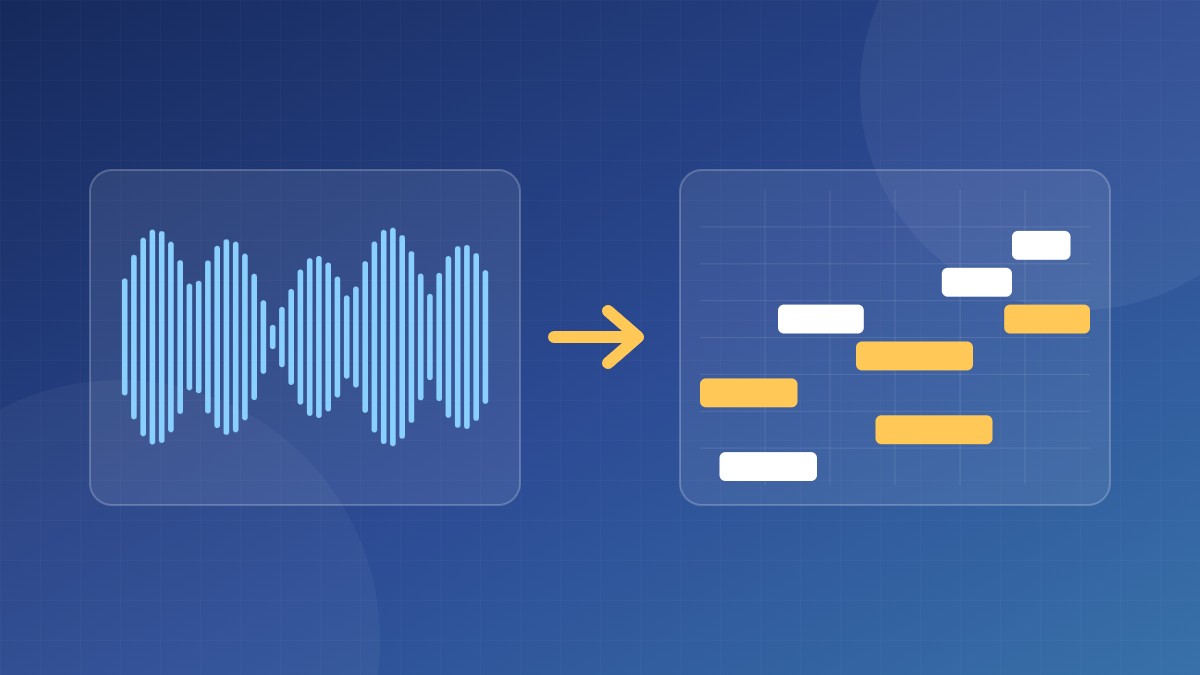
A converter listens for pitches and the moment each note starts, then writes them out as MIDI notes. It works best on:
- one instrument at a time, such as solo piano, voice, guitar or bass;
- a clear recording with little reverb or background noise.
It struggles with full mixes, heavy reverb, distorted guitars and dense chords. Expect to fix some notes by hand. On a clean solo recording a good tool gets you most of the way; on a full band mix it’s quicker to split out the instrument first.
The main tools compared
| Tool | Price | Best for |
|---|---|---|
| Basic Pitch (Spotify) | Free | Quick conversions of any single instrument, in the browser. Also available as an open-source Python tool. |
| Piano2Notes (Klangio) | Limited free use, then paid | Solo piano. Gives you MIDI and sheet music. |
| AnthemScore | Paid, with a free trial | Desktop app for Windows, Mac and Linux. Shows the notes on a spectrogram so you can correct them before export. |
| Melodyne (Celemony) | Paid | Detailed note editing before exporting MIDI. Chords need the editor or studio edition; cheaper editions handle single notes. |
| Your DAW | Included | Ableton Live has Convert Melody/Harmony/Drums to New MIDI Track. Logic Pro can create MIDI from Flex Pitch data (single notes only). |
Step by step with Basic Pitch
- Open basicpitch.spotify.com and drop in a WAV or MP3 file.
- Wait while it processes. The detected notes appear on a piano roll.
- If you see lots of tiny extra notes, raise the note threshold or the minimum note length and run it again.
- Click Download MIDI.
Cleaning up the MIDI
| Problem | Fix |
|---|---|
| Lots of tiny ghost notes | Select and delete very short notes, or convert again with a higher threshold. |
| Notes an octave too high | The converter heard an overtone. Move those notes down an octave. |
| Notes don’t line up with bars | Set the project tempo to match the recording first, then quantize gently (50–70%) so it still sounds human. |
| Piano sounds dry and choppy | Many converters ignore the sustain pedal. Add pedal by hand or lengthen the notes. |
Tip: if you play a digital piano, record MIDI straight from the keyboard instead. It’s perfect from the start. See how to record your digital piano at home.
Once the MIDI is clean you can change the instrument, print it as sheet music, or turn it into a piano video with an app such as Unreal Musician.
FAQ
Is audio to MIDI accurate?
On a clean solo instrument it’s good. On full mixes it’s rough. Always check the result by ear.
Can I convert an MP3 to MIDI?
Yes. Every tool above accepts MP3. A WAV or high-bitrate file gives slightly cleaner results.
Is it legal to convert a song to MIDI?
Converting a song for your own practice is common. Sharing or selling a transcription of someone else’s song needs permission from the rights holder.