Updated November 2026.
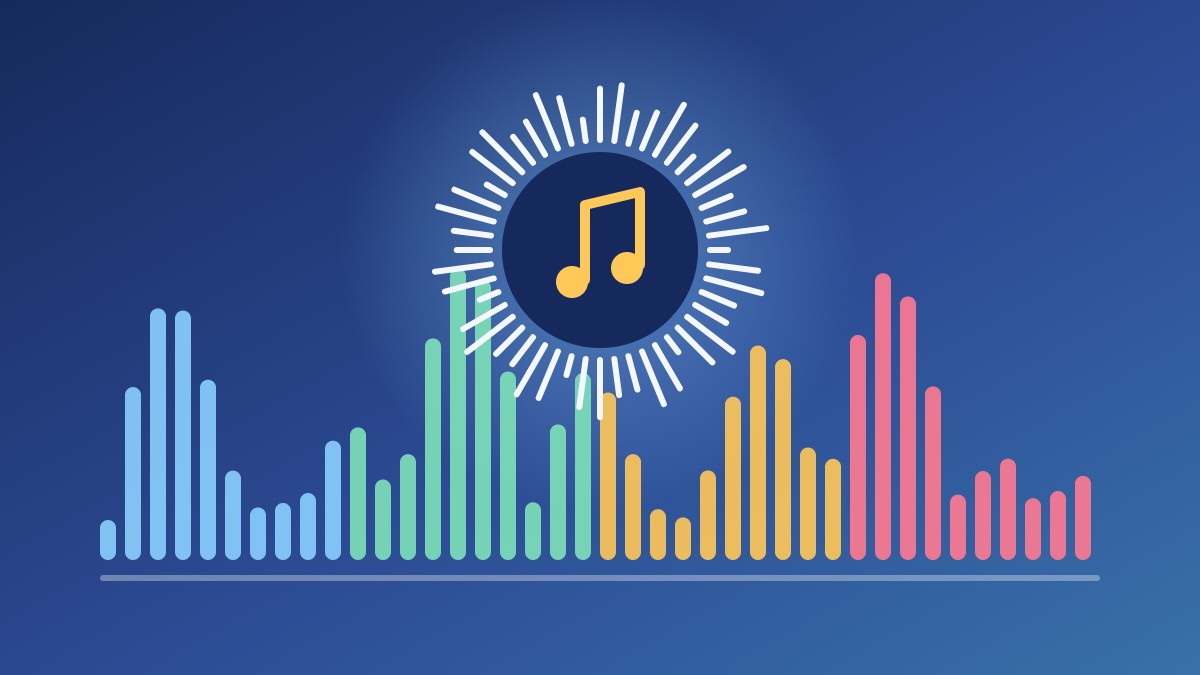
Quick answer: an audio visualizer is a video whose shapes move with your music. To make one:
- Export your track as WAV or a high-quality MP3.
- Pick a style: waveform or spectrum bars, reactive art, or a note-accurate visualizer.
- Use an online maker (Specterr, VEED or Renderforest) for ready-made templates, or a free tool such as FFmpeg, Blender or projectM.
- Export an MP4 at 1080p or higher and upload it.
The four kinds of audio visualizer
| Type | What moves | Good for | Tools |
|---|---|---|---|
| Waveform and spectrum bars | Lines or bars follow loudness and pitch range | Song uploads, podcasts, lyric videos | Specterr, VEED, Renderforest, FFmpeg, After Effects |
| Reactive art | Shapes, particles and colours pulse with the beat | Electronic music, DJ mixes, livestreams | projectM, Magic Music Visuals, Blender |
| AI music video | Generated scenes that match the song’s mood | Visualizers for singles | AI video generators |
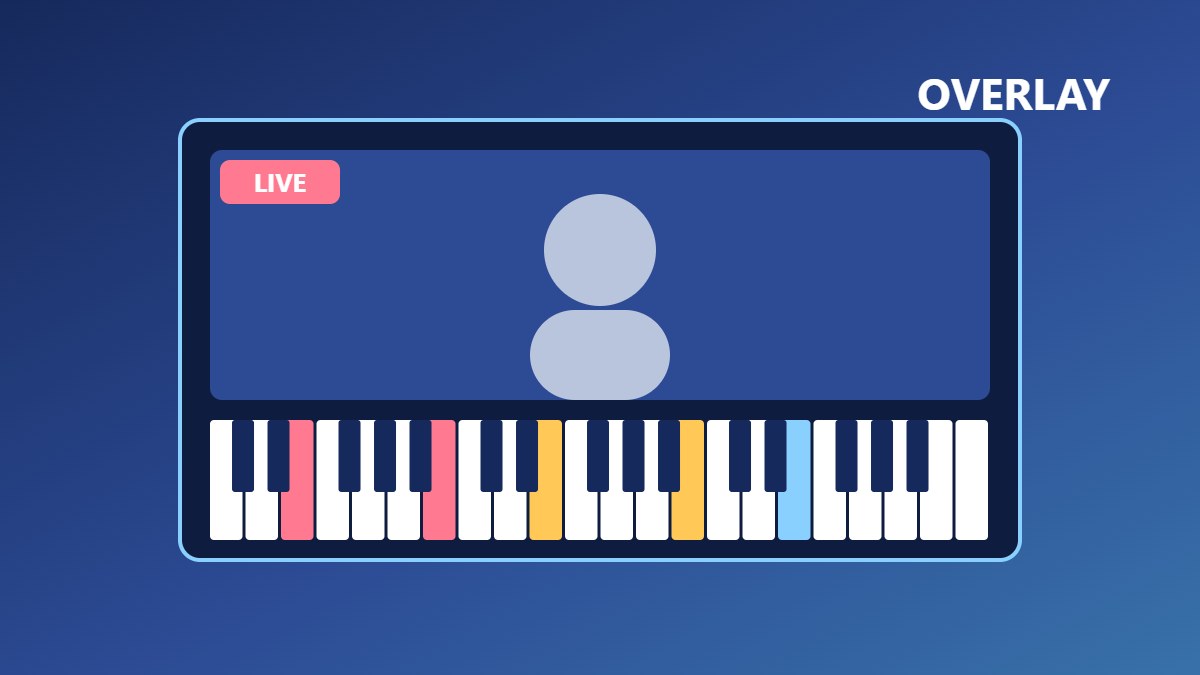
| Note-accurate (MIDI) | Each note lights a key or falls as a bar | Piano covers and tutorials | Unreal Musician, SeeMusic, MIDIVisualizer |
Option 1: an online visualizer maker
This is the quickest route. Upload your audio, pick a template, add your cover art and title, and export. Specterr is built just for music visualizers; VEED and Renderforest are general video tools with visualizer templates.
Free plans usually add a watermark or limit the resolution or length, and the limits change often. Check them before you build a whole release around one.
Option 2: free, with one FFmpeg command
FFmpeg is a free command-line video tool. This turns a song into a 1080p waveform video in the site’s light blue:
ffmpeg -i song.wav -filter_complex "[0:a]showwaves=s=1920x1080:mode=cline:colors=0x8AD0FF,format=yuv420p[v]" -map "[v]" -map 0:a -c:v libx264 -c:a aac -b:a 320k visualizer.mp4- For Shorts, Reels or TikTok, change the size to
s=1080x1920. - For a scrolling spectrum instead of a waveform, swap
showwavesforshowspectrum. - To put the waves over your cover art, overlay them on an image in any video editor afterwards.
Option 3: After Effects or Blender
After Effects has built-in Audio Spectrum and Audio Waveform effects: add a solid layer, apply the effect and point it at your audio layer. You get full control over shape, colour and glow.
Blender (free) can drive an object’s size, position or colour from a sound file (search for “bake sound to F-curves”). That makes fully 3D visuals, but expect a learning curve.
Option 4: real-time visualizers
projectM is a free, open-source take on Winamp’s MilkDrop that plays endless reactive visuals live. Record it with OBS Studio for a video, or use it on stream. Magic Music Visuals is a paid desktop app for building VJ-style visuals.
For piano music, show the notes
A spectrum visualizer reacts to sound, not to notes, so viewers can’t follow a piano piece. If you have a MIDI file, or convert your recording to MIDI, a note visualizer shows every key as it’s played. We built Unreal Musician for this: a 3D pianist plays the MIDI and the app renders the video. Our guide to making a piano video from MIDI covers the whole process, and Concert Creator AI alternatives compares the tools.
Export settings that work
- Resolution: 1080p at least; 4K if the visuals have fine detail.
- Frame rate: 30 or 60 fps. Fast-moving visuals look smoother at 60.
- Format: MP4 with H.264 video and AAC audio at 320 kbps.
- Vertical: 1080×1920 for Shorts, Reels and TikTok. Keep text away from the edges, where the app’s buttons sit.
Note: a loud, heavily compressed master keeps bars pinned near the top, which looks flat. Lower the visualizer’s sensitivity, or use a logarithmic scale if the tool has one.
FAQ
Is a music visualizer the same as an audio visualizer?
Yes. People use both names for the same thing.
Can I make one for free?
Yes. FFmpeg, Blender and projectM are free, and most online makers have a free plan with limits.
Can I use any song?
Only songs you own or have a licence for. YouTube’s Content ID will claim or block other people’s recordings.
What audio file should I use?
WAV or a 320 kbps MP3. The visualizer reacts to what it hears, so a low-quality file looks and sounds worse.